SpeedySteeds Desktop Documentation
Welcome to the official documentation for SpeedySteeds Desktop - the all-in-one desktop application for managing equestrian events, rodeos, and competitions.
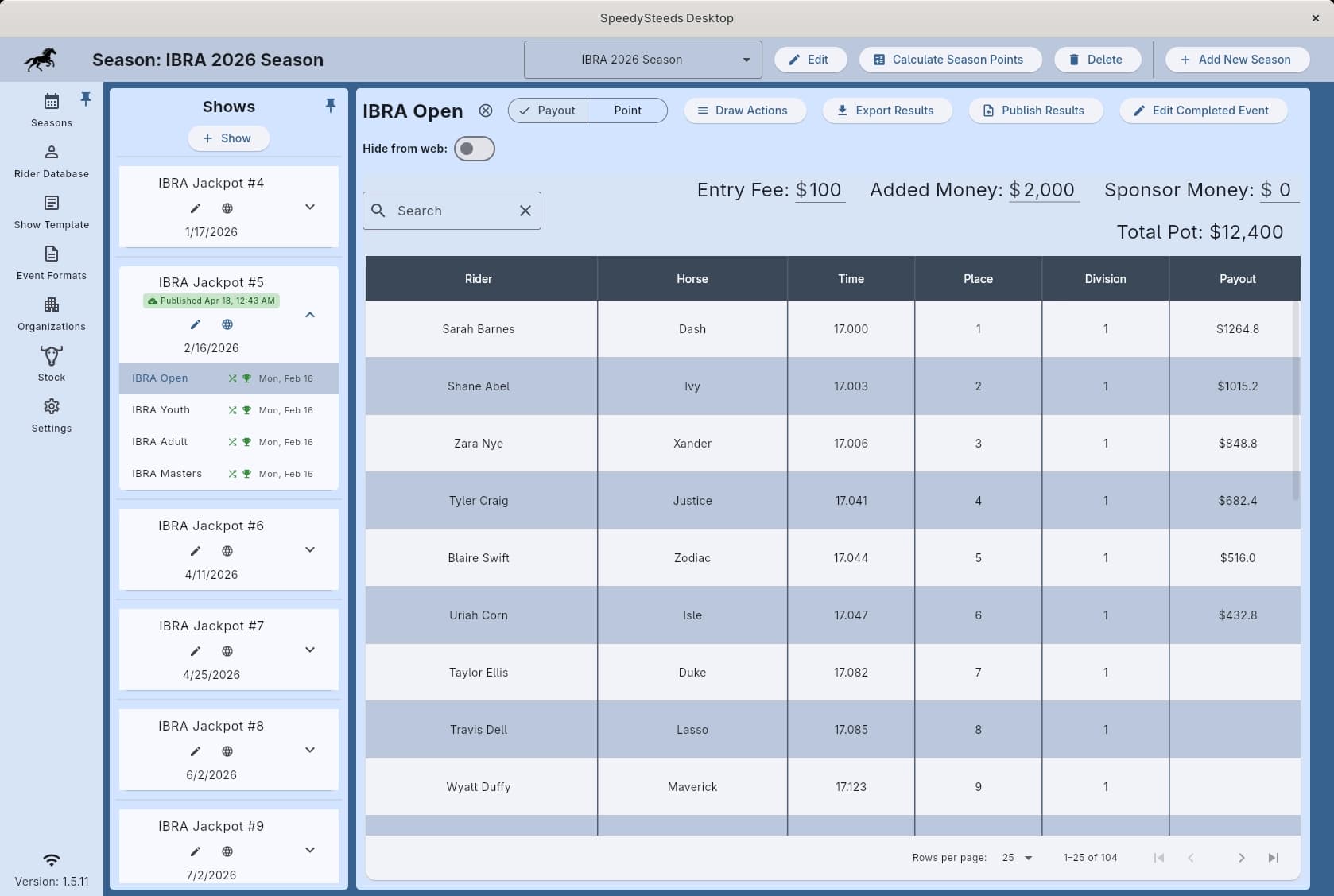
Whether you produce weekly barrel racing jackpots, multi-day sanctioned shows, or full rodeos with scored events and stock draws, SpeedySteeds handles rider registration, draw orders, real-time results, payouts, and season-long point tracking so you can focus on running a great event.
Quick Start
New to SpeedySteeds? Follow these steps to get up and running:
Feature Guide
Setup & Configuration
- Season - Create date-bounded seasons to group shows and accumulate points
- Show Template - Define reusable settings for location, fees, and show rules
- Organization - Configure sanctioning bodies (IBRA, NBHA, IPRA, etc.) with payout and point rules
- Event Format - Set up event templates with age groups, payout percentages, and round structures
- Divisions & Entry Ranges - Understand how time-based divisions and entry count ranges drive payouts and points
Rider & Horse Management
- Rider Database - Manage your riders, horses, and contact information
- Memberships - Link riders to organizations for point eligibility
- CSV Import - Bulk-import riders and horses from a spreadsheet
Running a Show
- Rider Registration - Add riders to events and manage entries
- Draw Management - Generate and manage run orders, stock draws, and rerides
- Results & Scoring - Enter times/scores, penalties, and view placements
- Show Fees & Billing - Track entry fees, custom fees, and payments
- Stock Management - Manage livestock inventory, stock draws, and rerides
- Performance Scheduling - Organize rodeo performances and slack
- Sanction Tracking - Manage sanction approvals and protected radius enforcement
- Result Submission - Submit results to sanctioning bodies and print medication forms
After the Show
- Points & Standings - View season-long standings across organizations
- Circuit Standings - District-level and regional standings within organizations
- Printing & Exporting - Export results and standings to PDF or Excel
Other Features
- Local Web Portal - Access show data from any device on your network
- Licensing - Manage your subscription and license key
- Advanced Settings - Theme, auto-sync, rounding, and more
Last updated on