Rider Database
The rider database is your central repository for all riders and their horses. Riders and horses are created manually or automatically when syncing online pre-registrations.
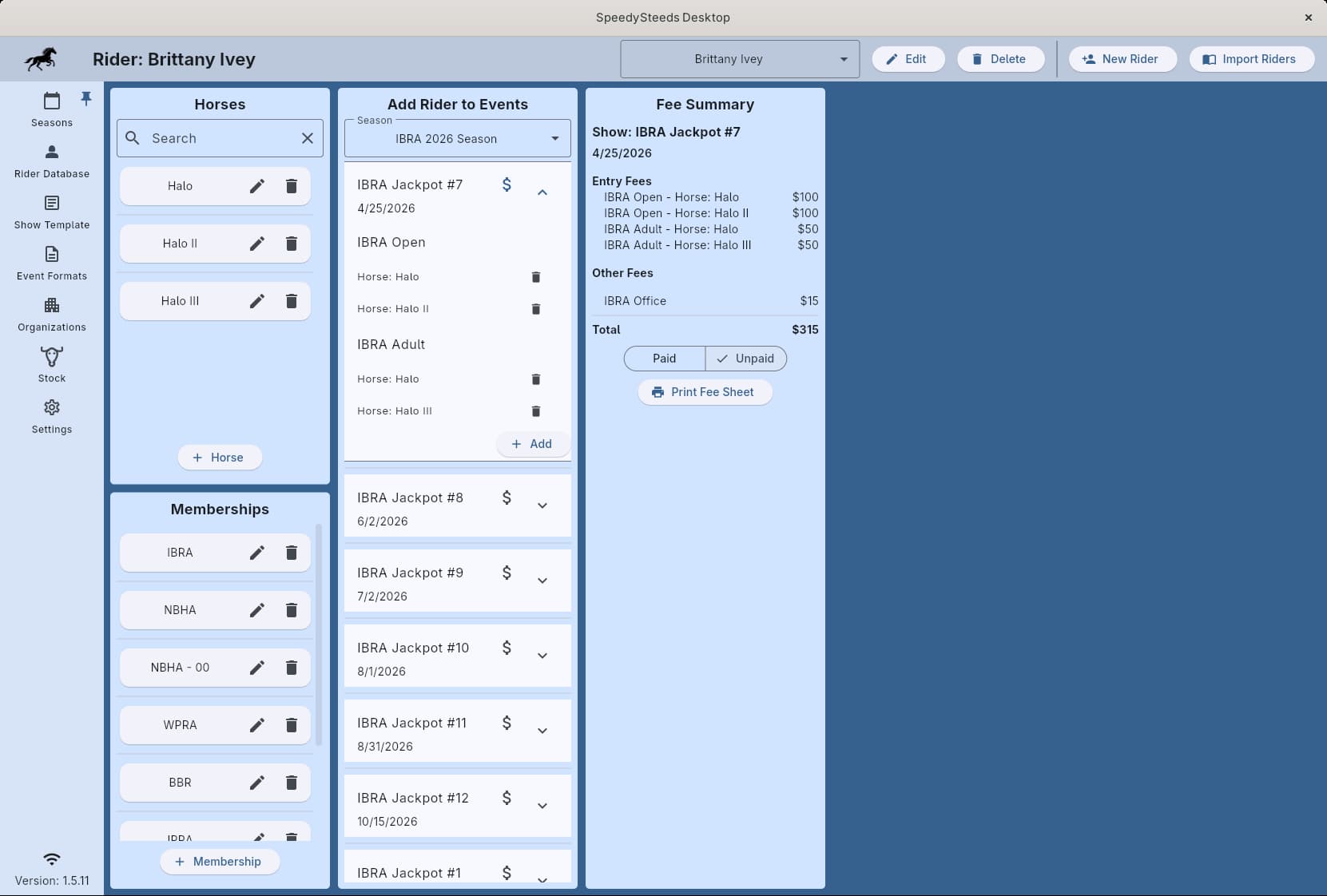
Adding a Rider
Click the add button on the Rider Database screen to create a new rider. Required and optional fields:
- First Name (required)
- Last Name (required)
- Birthday (required) - Used to determine eligibility for age-restricted events. See Event Format for how age requirements work.
- Email - Serves as the identifier for matching online pre-registrations. Does not need to be unique - a parent or guardian’s email can be used for younger riders.
- Phone - Optional contact number
- Gender - Male, Female, or Unspecified. Used for gender-restricted events such as IPRA Barrel Racing (female only). Defaults to Unspecified.
Birthday is critical for age-restricted events. If a rider’s birthday is incorrect, they may be incorrectly included or excluded from age-based classes.
Horses
After creating a rider, you can add one or more horses. Each horse has:
- Name - The horse’s registered or barn name
- Draw Weight - A numeric value that controls run order when a rider enters multiple horses in the same event. The horse with the highest draw weight runs first. Default is 1.
- Foal Year - The horse’s birth year. Required for Futurity and Derby events, which restrict entry based on horse age.
Searching and Filtering
Use the search bar at the top of the rider database to filter riders by name. The list updates as you type.
Soft Delete
When you delete a rider or horse, they are soft-deleted - marked as inactive but not permanently removed from the database. This preserves historical results and standings data.
See Also
- Memberships - Linking riders to organizations
- CSV Import - Bulk importing riders
- Rider Registration - Adding riders to events at a show